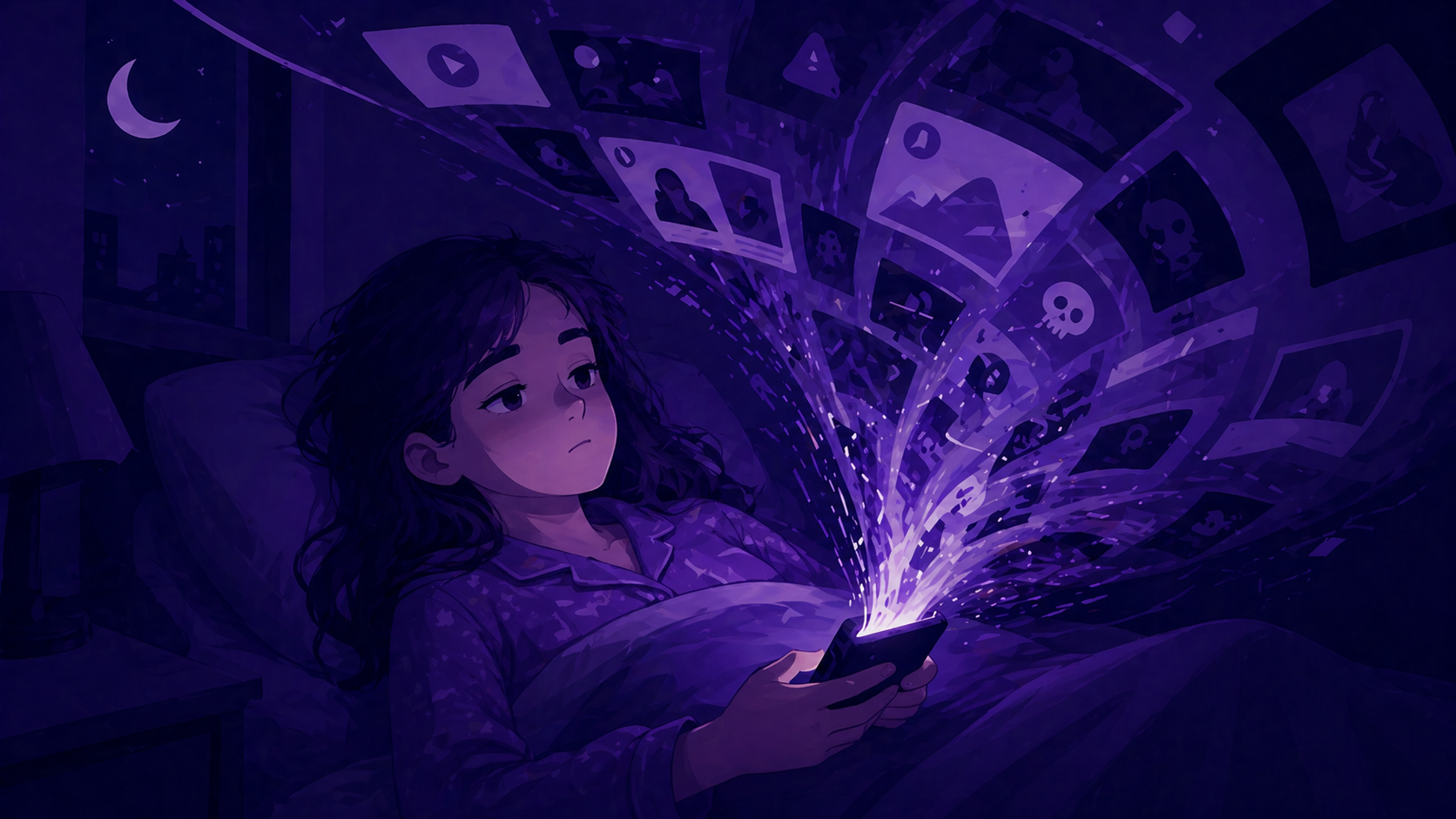
I catch myself doing it more often than I'd like to admit.
I'll pick up my phone to check one news story, usually with a perfectly reasonable excuse. I want to know what happened. I want to understand the context. I want to stay informed. Then, 10 or 15 minutes later, I notice the shift. I'm no longer learning anything useful. I'm refreshing, scanning, jumping between headlines, and following links without much purpose.
Most of the time, I can stop once I notice it. Not always, but often. I'm an adult, and I've had years to build the self-regulation skills that help me pause, name what is happening, and put the phone down. Teenagers are still developing those skills, while also dealing with platforms designed to keep them watching, tapping, and scrolling.
That is what makes doomscrolling such a useful topic for the classroom: students are not wrong to want to understand the world, but there is a point where staying informed turns into spiraling.
Doomscrolling is the habit of scrolling through bad, worrying or upsetting news and posts long after it has stopped being useful. It usually starts with a good reason, like wanting to know what happened, and turns into a loop of refreshing and reading that leaves people more anxious, not better informed.
Doomscrolling is not just "too much phone time." It sits in a more complicated place, because the starting point often looks responsible. A student checks the news because something serious has happened, or because everyone is talking about an issue, or because they want to understand the world a little better. The problem is that the behavior can quietly shift from purposeful checking to automatic scrolling. At that point, they may be seeing more information, but not necessarily becoming better informed.
Research on doomscrolling connects it with uncertainty, anxiety, fear of missing out, and lower wellbeing, but the important classroom point is not that every student who scrolls is in crisis. It is that negative news and social platforms are a powerful combination. Negative information grabs attention because humans are wired to notice threat, while platform design rewards the content that keeps people engaged. That can create a loop: check for clarity, find more alarming or unresolved information, keep scrolling to regain a sense of control.
For teenagers, this is especially worth discussing without turning it into a lecture. Adolescent self-regulation is still developing, and researchers increasingly describe teen brain development as sensitive to context, experience, and environment rather than simply "unfinished." At the same time, Pew Research Center found in 2024 that nearly half of U.S. teens say they are online almost constantly, which means these habits are being practiced in very high-volume digital spaces. The issue is not that teenagers are uniquely careless. It is that they are learning self-control inside systems built to make stopping difficult.
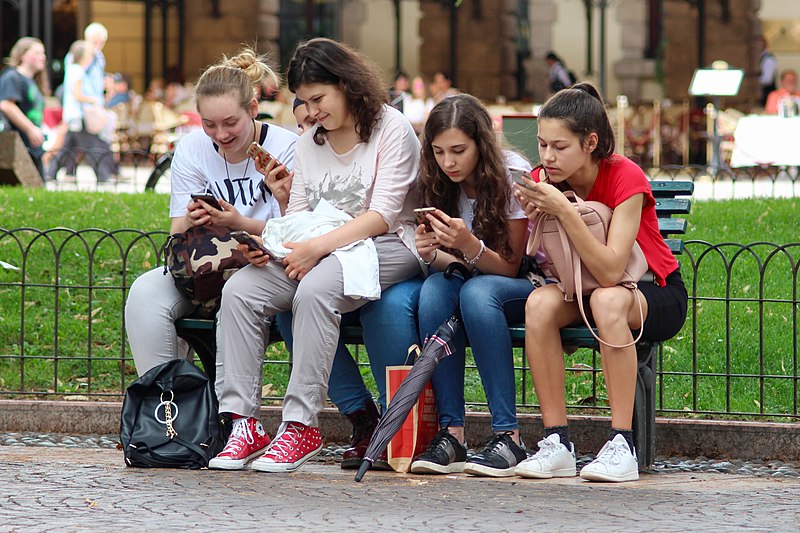
Phones out, heads down: together but somewhere else. Photo: GHCassel, CC0 public domain.
That distinction between staying informed and staying stuck is the core of Doomscrolling, a group activity for ages 12 to 18 that fits well in life skills, advisory, media literacy, citizenship, social studies, or digital wellbeing lessons. The activity gives students a practical way to separate "I'm staying informed" from "I'm stuck in a loop," then asks them to identify their own triggers and build realistic alternatives. It is not about telling students never to check the news or use social media. It is about helping them notice when the purpose has changed, and giving them a plan for what to do next.
| Ages | 12–18 (grades 7–12) |
| Group size | 3–4 students |
| Time | 55–65 minutes |
| Works for | Life skills, advisory, media literacy, citizenship, social studies, digital wellbeing |
The activity is built in three parts. In Part 1, students start by defining doomscrolling in their own words before discussing why people keep scrolling even when the content is no longer helping them. This is a useful first step because it lets students surface the difference between intentional checking and automatic scrolling without being told what to think.
In Part 2, students work through a trigger table covering boredom, anxiety, loneliness, procrastination, FOMO, and habit. For each one, they discuss whether it applies to them and then fill in realistic alternatives. The word realistic matters here. "Never check my phone again" is not useful. "Put it across the room while I start my homework" or "message a friend instead of scrolling when I feel lonely" is much more workable.
In Part 3, students move into strategies that are designed to work with habits rather than relying on willpower alone. They look at ideas like setting a specific stopping point, using screen time tools, noticing when they are seeing the same content twice, and creating a news routine instead of a news reflex. The before-and-after exercise then asks them to apply those strategies to real situations, such as waking up at 2am, waiting for a friend, or avoiding study.
The lesson also includes a teacher guide with timing, facilitation notes, differentiation ideas, and a rubric. The rubric focuses on understanding doomscrolling, self-awareness, trigger analysis, group discussion, and quality of reflection, which keeps the assessment tied to the thinking students are doing rather than whether they produce the "right" answer.
The main thing to watch for is the tone. This lesson works best when students do not feel like they are being caught out. Doomscrolling is common, and many adults do it too, so frame the discussion around patterns rather than blame. Skip "Why can't you stop?" and ask instead: "What usually starts the loop, and what would make stopping easier?"
Most groups will find it easy to identify triggers like boredom or procrastination. They may stall when they have to suggest realistic alternatives. This is where it helps to push gently. An alternative does not need to be impressive. It just needs to be believable. If a student says they will "read a book instead" every time they feel anxious at night, that may sound good, but it might not survive contact with real life. A better answer might be charging the phone outside the bedroom, opening a sleep playlist, or deciding not to check news after a certain time.
The best discussion often comes from the line between staying informed and spiraling. Ask students: "How do you know when you have learned enough for now?" That question usually produces more thoughtful answers than asking whether doomscrolling is bad. It lets students talk about purpose, mood, time, and control. It also makes space for the reality that caring about the world is not the problem. The problem is when the habit stops helping them understand anything and starts pulling them along.
Doomscrolling is available from my store Graphene - Digital Life Lessons on Teachers Pay Teachers. It is part of the Social Media and Digital Life bundle, a collection of activities that help students think more clearly about online habits, platform design, digital wellbeing, and the choices they make in high-volume digital spaces. You can use it as a standalone lesson or as part of a wider sequence on social media and wellbeing.