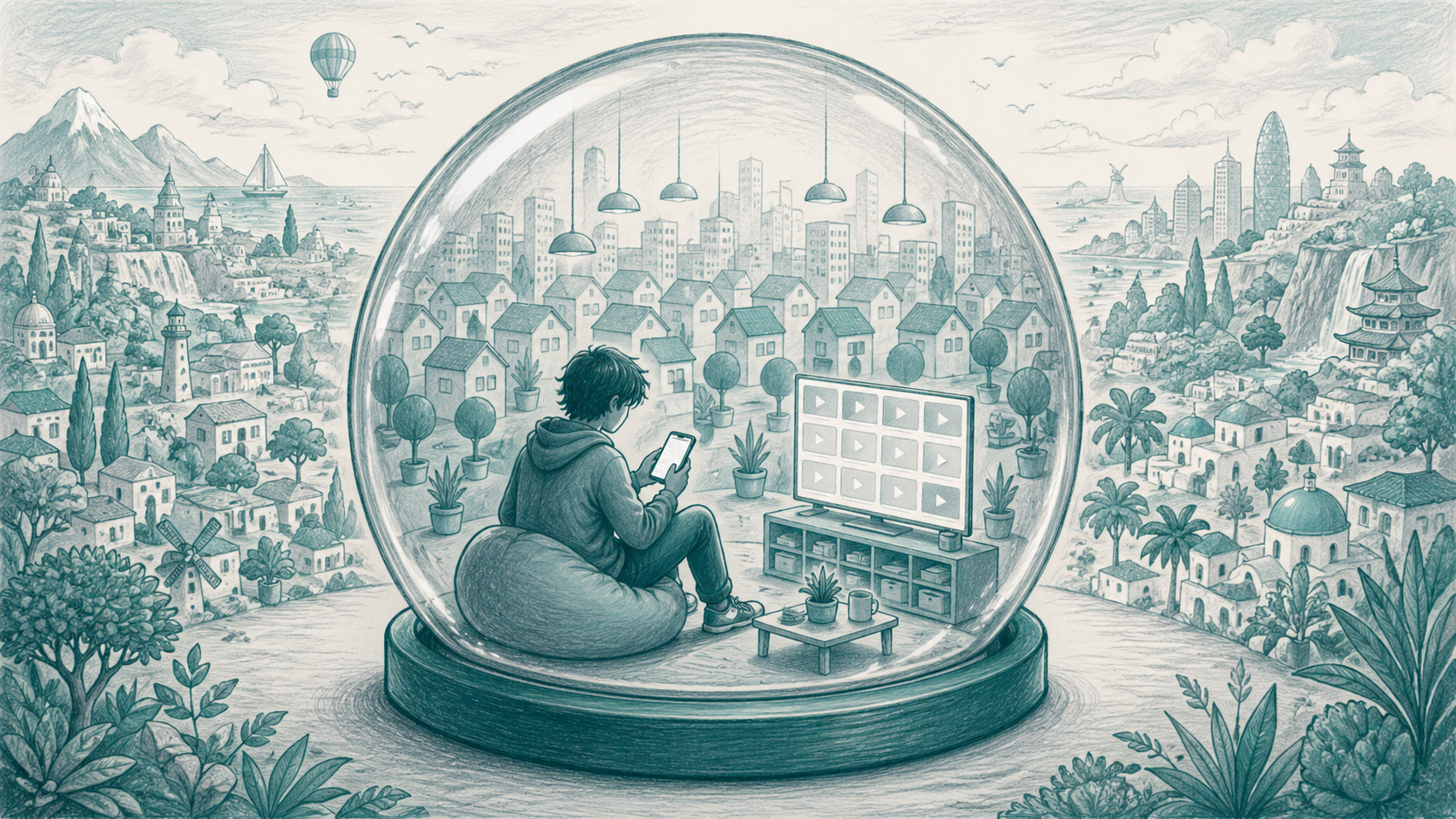
Teachers notice patterns long before students can explain them.
You hear it in the comments that come up during discussion. One student says, "Everyone knows that already." Another says, "I've never seen anything like that." A third talks about a topic as if the version on their feed is the version everyone else is seeing too. None of this means they are careless or closed-minded. It may just mean their information environment has been quietly shaped around them.
That is the tricky thing about filter bubbles. Students may know that TikTok, YouTube, Instagram, Google, and Spotify recommend things based on what they do. But knowing a feed is personalized is not the same as noticing what personalization removes. A better question than "Why am I seeing this?" is "What am I not seeing at all?"
That hidden narrowing is the problem: students can feel informed, curious, and connected while still missing large parts of the wider picture.
A filter bubble is the personalized version of the internet that algorithms build for each person, based on what they have clicked, watched, liked and searched. Over time it can quietly narrow what someone sees, without them noticing what is missing. Unlike an echo chamber, which people often build through their own choices, a filter bubble is shaped mostly by the platform.
Filter bubbles are not new, but they are easier to miss than echo chambers. An echo chamber is visible enough that students can often spot it once they look at who they follow. A filter bubble is quieter. The platform learns from what they watch, skip, like, search, pause on, and return to, then uses that behavior to decide what should appear next and what can quietly fade away.
The evidence is more interesting than a simple "algorithms trap everyone" story. In one large study of online news habits, researchers found that search engines and social media did not cut people off from wider sources as completely as the filter bubble metaphor can suggest. People using those routes often encountered a more varied news diet than people going straight to a few favorite sites. But the same study also found that social platforms and search can still increase ideological distance between users, because small differences in clicking and sharing can gradually steer people toward different sources. (Public Opinion Quarterly)
Personalization is not always bad. It helps students find music, creators, explanations, tutorials, and communities they care about. But it also means their feed is making quiet decisions about what belongs in front of them and what does not. In the same classroom, one student may be seeing climate explainers, another fitness advice, another political outrage, another gaming clips, and another music recommendations. The problem starts when the feed becomes so familiar that students mistake it for the wider world.
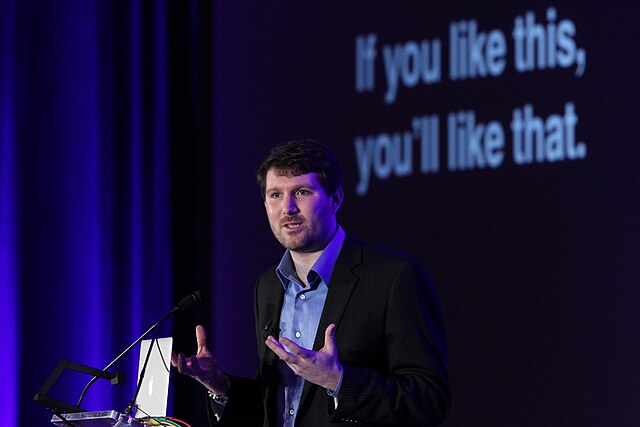
Eli Pariser coined the term "filter bubble" in his 2011 book and TED talk, arguing that algorithms were quietly narrowing what people get to see online. The debate he started has only grown since. Photo: Knight Foundation, CC BY-SA 2.0.
The activity Filter Bubbles gives students a practical way to investigate this without turning it into a lecture about algorithms. It is a group activity for ages 12 to 18 that fits well in media literacy, digital citizenship, critical thinking, advisory, social studies, or current events lessons. Students compare filter bubbles with echo chambers, audit what different platforms recommend to them, and test how quickly a feed can shift when they deliberately interact with content outside their normal habits. They see how personalization works, where it helps, and where it narrows what they get to see.
| Ages | 12–18 |
| Group size | 3–4 students |
| Time | 60–70 minutes |
| Works for | Media literacy, digital citizenship, critical thinking, advisory, social studies, current events |
The activity is built in five parts. In Part 1, students define "filter bubble" in their own words, compare their ideas in groups, and work through the difference between a filter bubble and an echo chamber, one of the most important distinctions in the lesson. An echo chamber is largely about people and the voices you are surrounded by. A filter bubble is largely about technology and what the platform predicts you will engage with.
In Part 2, students look at how algorithms work in plain language. They consider how platforms use watches, likes, shares, comments, skips, searches, and other signals to decide what to show next, and crucially, what to quietly stop showing.
In Part 3, students work through a comparison table laying out how filter bubbles and echo chambers differ across six dimensions, then complete a platform audit across TikTok, Instagram, YouTube, Google Search, and Spotify or music streaming, focusing on what each platform recommends, what it rarely or never shows, and how they think it made that decision.
In Part 4, students run a short experiment. They choose one platform, deliberately interact with content outside their normal interests for a few minutes, then return to their feed and look for changes. Afterward, the group discusses what happened and what it suggests about how quickly algorithms respond to behavior.
In Part 5, students reflect individually on personalization, news feeds, platform responsibility, and what they could actually do if they wanted to deliberately burst their own filter bubble.
The teacher guide includes timing, facilitation notes, differentiation ideas, an extension task, and an assessment rubric focused on understanding filter bubbles, completing the platform audit, engaging with the experiment, contributing to group discussion, and writing a thoughtful reflection.
This lesson works best when students feel curious rather than caught out. Some may realize their feed is narrower than they thought, and that can make them defensive. Frame the platform audit as an investigation, not a confession. Their feed has been trained, and it is worth noticing what it has learned.
A tricky moment can come when students treat personalization as either harmless or sinister. It is usually more useful to hold both ideas at once. Personalization can help them find useful tutorials, music they love, creators who explain things clearly, and communities they care about. It can also keep removing things that might have challenged, surprised, or informed them. The best question here is: "When does personalization become narrowing?"
The experiment in Part 3 is where the discussion often gets sharper. Students may be surprised by how quickly a platform responds when they interact with something outside their normal habits. Push them to notice not just whether the feed changed, but what kind of change happened. Did the platform offer one or two new items, or did it start making assumptions about them immediately? That is the moment when students start to see the feed less as a neutral stream and more as a system constantly making predictions.
One point that may need unpacking is the difference between control and awareness. Students cannot fully control every recommendation system they use. None of us can. But they can become more aware of the signals they send, the patterns they see, and the gaps in what appears. A useful closing prompt is: "What is one thing your feed seems to know about you, and one thing it may be wrong about?"
Filter Bubbles is part of the Navigating Information Online bundle, a collection of activities that help students think more clearly about misinformation, online information, algorithms, bias, critical thinking, and the way digital platforms shape what they see. Use it as a standalone lesson on filter bubbles, personalization, algorithms, recommendation systems, or online feeds, or as part of a wider sequence on media literacy and critical thinking.