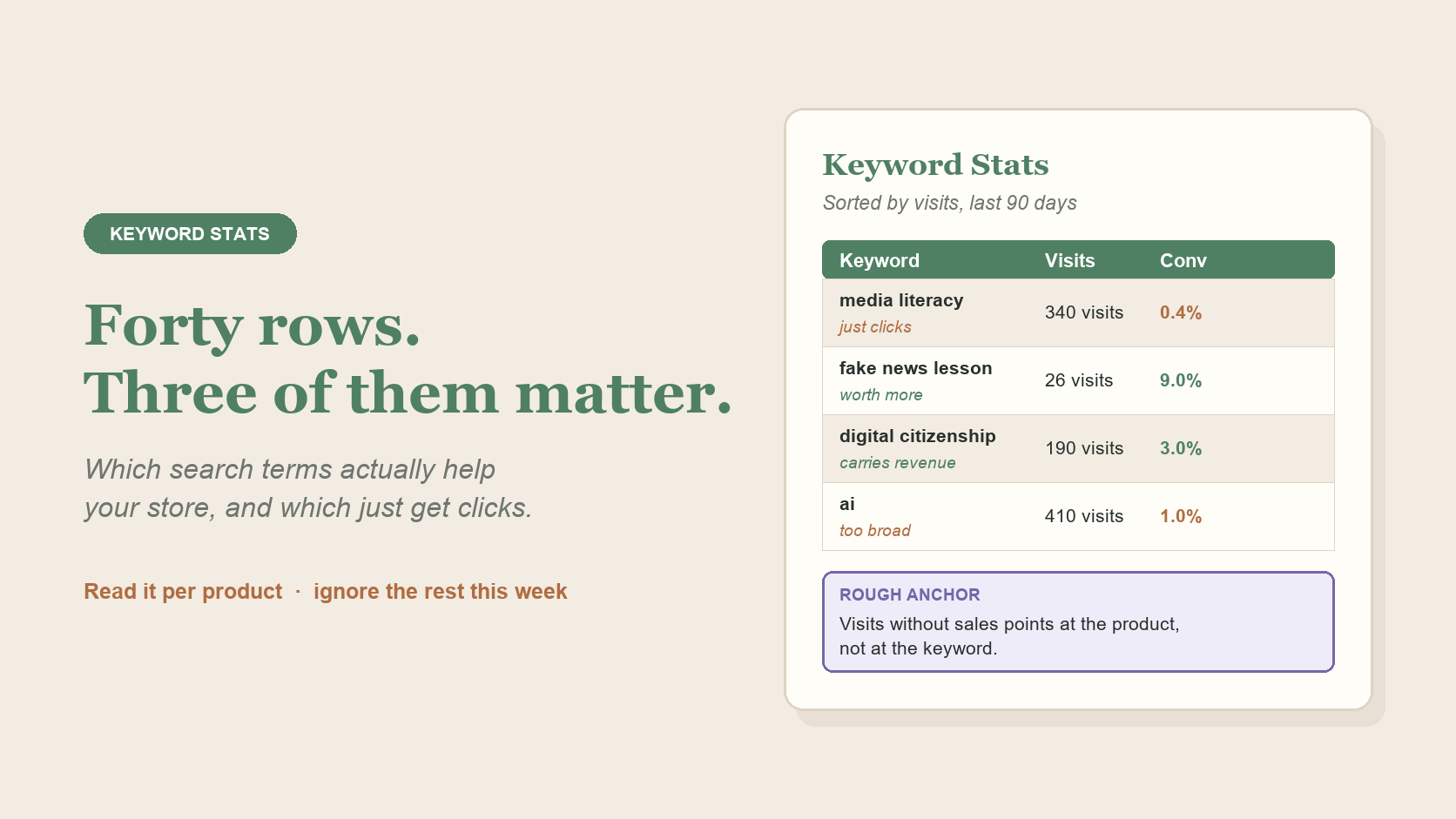
I check my own Keyword Stats page the way most sellers do: open it, scan the visits column, feel a small jolt about whatever term dropped since last week, then close the tab and go back to actually making resources. Forty rows of numbers is not a to-do list.
That reaction is normal, and it's not especially useful. Keyword Stats is one of the more informative reports TPT gives you, but it's easy to read it as a scoreboard when it's really a set of clues. Some of them matter this week. Most don't.
In short: read visits alongside conversion and earnings, then focus only on patterns with enough activity to be worth your attention. A keyword row is a clue, not a command to change your listing.
A visit means a keyword put your listing in front of someone. That's the whole claim. A term can sit near the top of your Keyword Stats with a healthy visit count and still be doing nothing for your store, because visits measure exposure, not interest, and definitely not sales. Before you get excited or discouraged about a visit number on its own, check the Conversion and Earnings columns next to it. A keyword with visits and no conversion yet isn't necessarily broken. TPT only counts a conversion if the purchase happens within 24 hours of that search click, so a buyer who takes longer won't show up here at all. It might just be an early data point, or a slower buyer.
It's tempting to divide sales by visits and treat the result like a grade. Three visits and one sale looks like 33 percent. Three visits and zero sales looks like a failure. Neither is true yet. At that volume you're reading noise, not signal, and the honest move is to keep the term in view and revisit it once it has more visits, not to act on it today. How much is "enough" is its own question, worth a read if you want the fuller version.
Worth remembering
There's no single "good" conversion rate that applies across every niche, catalog size, or price point. A seller selling $1 exit tickets and a seller selling $40 curriculum bundles will see different numbers even when both stores are healthy. Treat any benchmark you hear, including anything in this article, as a starting point for comparing against your own past data, not a pass or fail line.
This report lives under TPT's Search Analytics, which needs a Premium Seller membership. If you don't have one, that's a TPT gate, not something you're missing on your end.
Once a keyword has enough visits to say something, look at what it's tied to in earnings, not just its conversion percentage. A term connected to real sales, even a modest number, tells you more than a term with a flashy conversion rate on almost no traffic. If you can see which keywords sit upstream of your actual revenue, that's the short list worth your attention. Everything else is context.

Reading the data is half the work. Photo: Shixart1985, CC BY 2.0.
TPT shows how many resources compete for a given term. A high number can look like a reason to give up on it. It isn't, by itself. Competition tells you what you're up against, not whether you belong there. A term with heavy competition and a listing that's already earning something from it is a term worth keeping. A term with heavy competition and zero traction after real visits is worth reconsidering. The resource count alone doesn't tell you which situation you're in. Only your own visits and earnings do.
Want a clearer read without doing this by hand? Signal Loom turns the TPT exports you already have into plain-English store signals. Try a free store snapshot.