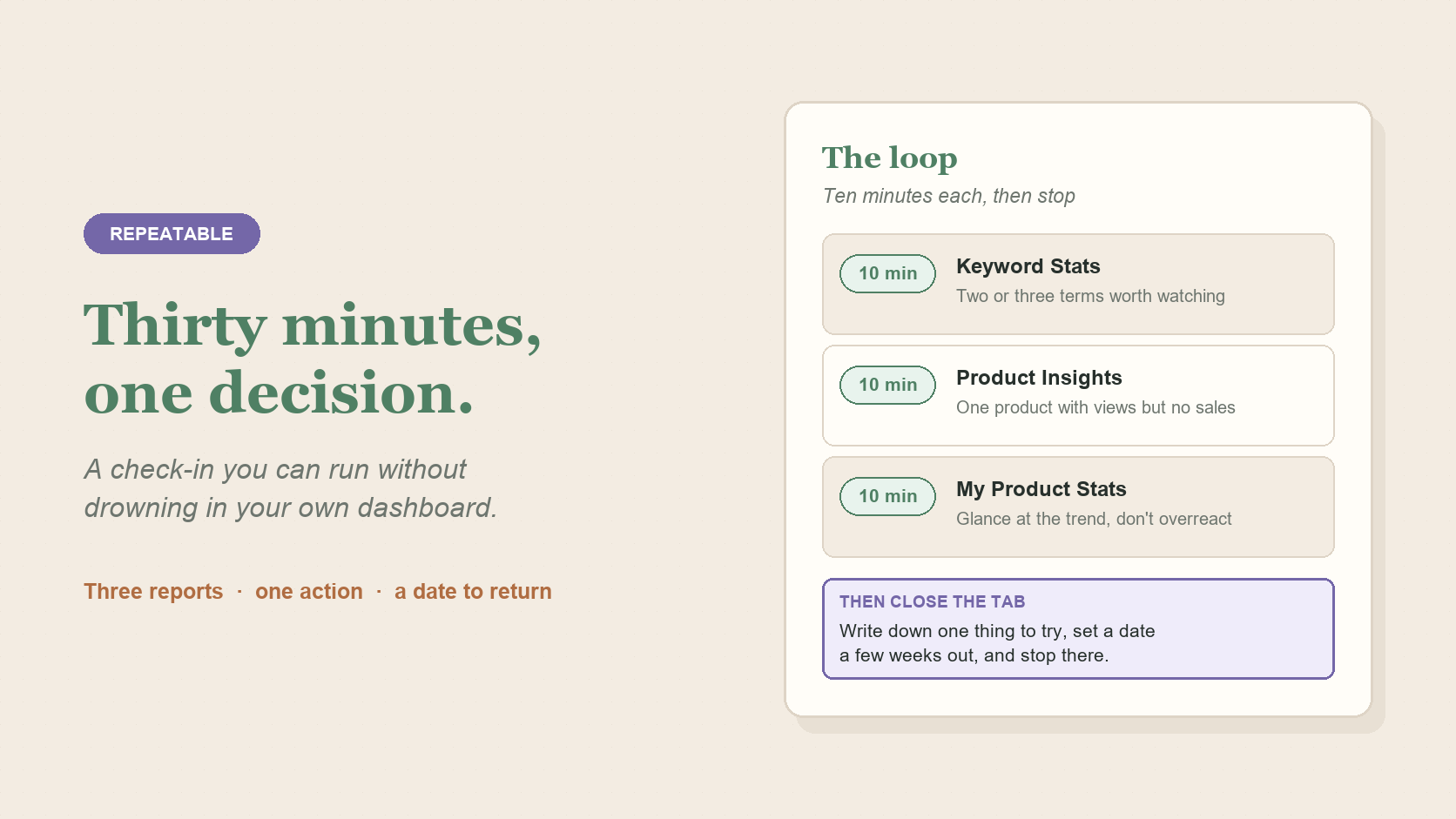
This is the same idea behind the free TPT Seller Stats Checklist, in a shorter loop you can run on your own right now, straight from the Seller Dashboard. No download, no account, just three reports and thirty minutes.
Use the check-in to leave with one good decision, not a store-wide audit.
In short: spend ten minutes each on Keyword Stats, Product Insights, and My Product Stats, then choose one pattern to investigate. A small, repeatable check-in is more useful than trying to absorb every number at once.
Give yourself roughly ten minutes on each: Keyword Stats, Product Insights, and My Product Stats. You're not trying to absorb every row. You're scanning for anything that stands out: a term with unusual traffic, a product with views but no sales, a revenue trend that's moved since last time. First pass, not a deep audit.
Keep it to two or three lines in a notebook or doc: what did you notice, what are you still unsure about, and what's the one thing worth trying. Writing it down matters more than it seems. It's what turns "I should look into that sometime" into something you'll actually follow up on.

Thirty minutes, one notebook, three reports. Photo: Nenad Stojković, CC BY 2.0.
A thirty-minute look will surface more than one thing worth doing. Resist fixing all of them at once. Pick the single most promising change, make it, and let the others wait for the next check-in. Changing five things at the same time also means you'll never know which one actually mattered.
Come back after a meaningful interval, not the next day. New data needs time to accumulate before it's worth reading again. A few weeks is more realistic than a few days for most changes to show up clearly.
It's easy to turn a data check-in into a referendum on whether your store is doing well. That's not what this is for. The purpose is narrower and more useful: walk away knowing one thing you'll try next, and a date to come back and see what moved.
Want a clearer read without doing this by hand? Signal Loom turns the TPT exports you already have into plain-English store signals. Try a free store snapshot.